A request to change the filter in a website's search bar sounds like a small job. For a coding agent, an AI assistant that can read and change code, it is less simple than it looks, because the agent has to answer a string of questions before it understands the request and knows where to begin, such as:
- Which repository holds the search page, and where in that repository does its code live?
- Which design should the filter follow?
- Which account can reach the page?
- Does the search bar use a button shared with another application, and if it does, which extra files come into the job and how would a change here affect that application?
Handing the request over leaves all of those questions open, so the agent needs a way to find the materials and keep them together while it works. It is a bit like a new teammate's first day: they need a little introduction before the name of a page means anything to them, and an agent does too. So I think of this work as preparing a desk for one particular job, and on that desk the right folder matters more than the size of the filing cabinet behind it.

Before the request reaches the agent
At work, the desk I have been defining and evolving is a shared development harness for Navigos Talent One and VietnamWorks, two recruitment products. A harness is the setup around the agent, made of project guidance, a working space and routes to the tools the agent needs, and each of those parts has a counterpart on the desk. Project guidance is the note you would leave a newcomer about which projects exist, where each one keeps its code and which rules apply to it. The working space is the tray that keeps one task's materials together and apart from other tasks. The routes to tools are like the keys a newcomer gets on their first day: for the filter request, they give the agent what it needs to open the design, run the application in a browser, start a build or update the team's tickets.
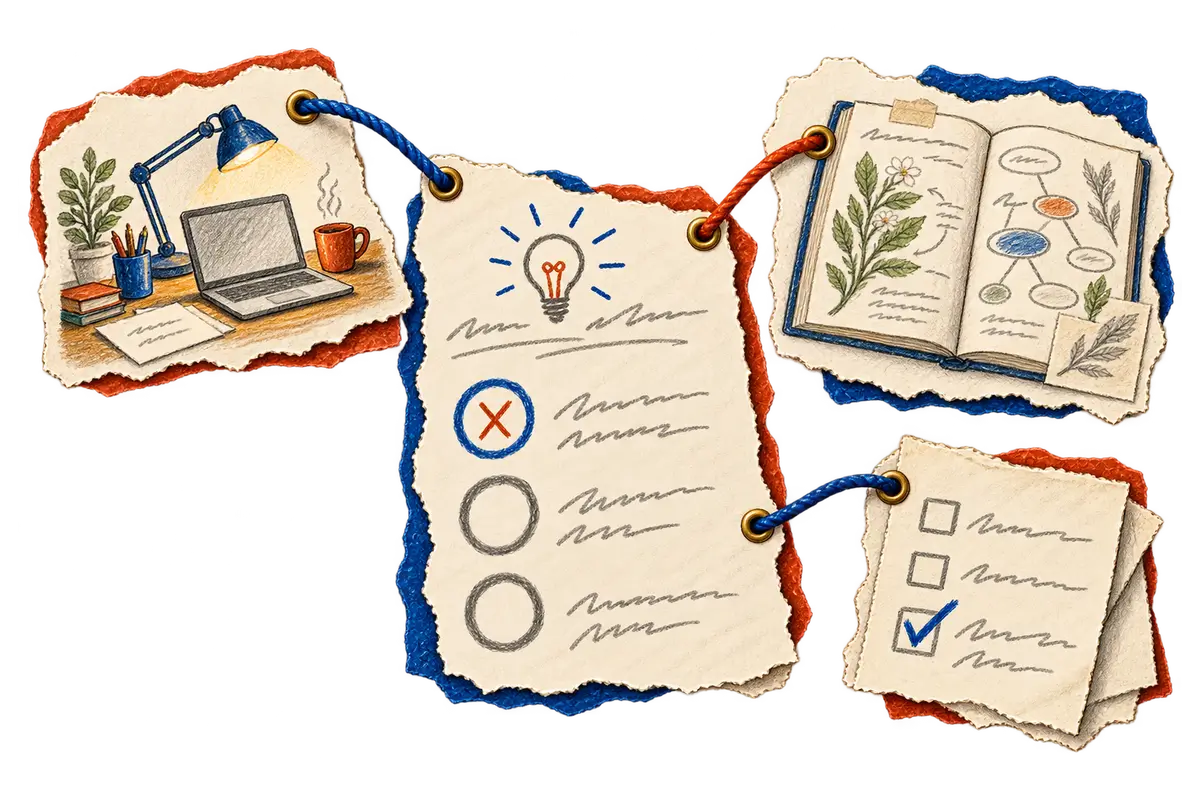
When the agent looks for the search page and its design
With the filter request in hand, the agent starts by finding the code. Each project in the harness names its relevant repositories and the guidance that applies to them, which tells the agent which code belongs to the search feature and where that code lives. Once it has found the filter's code, the agent still needs to know how the filter should look, and the answer is in the design the team selected. To inspect that design closely, the agent uses Figma Lens, a tool I made so agents can find the right screen in a Figma file and examine its details. I want the agent to fetch only the material that could change its next decision, because pulling in everything at once makes it harder to see which design and which code belong to this filter.
When the developer switches projects halfway through
Now suppose the filter change needs that shared button, and partway through the task the developer working with the agent switches the harness to another project, so the repositories and guidance in front of the agent now belong to that project. When the developer comes back and reopens the search task, the task should restore the materials it saved: the search page's repositories and guidance, the shared button and the selected design. If it doesn't, the task can still look unchanged while the agent is reading the other project's files, with nothing to tell it so.
The workspace view explores this relationship between a task and its workspace. Separate working copies give several agents room to make changes alongside one another, but when two of them need to change the shared button, they still need an agreement about who owns that change and who brings it into the application.
When the agent opens the page to try the filter
Reading the code and the design is only the beginning, because the agent then has to run the application in an environment that matches the task. The search page may only open for certain accounts, so a saved reference tells the agent which account this task should use, and the account's private details stay outside public notes. Knowing the account can help the agent pick a suitable environment, and reaching the search page with that account confirms the agent can get to the page it needs to check. Once the page is open, browser and API tools let the agent try the filter and the requests behind it.
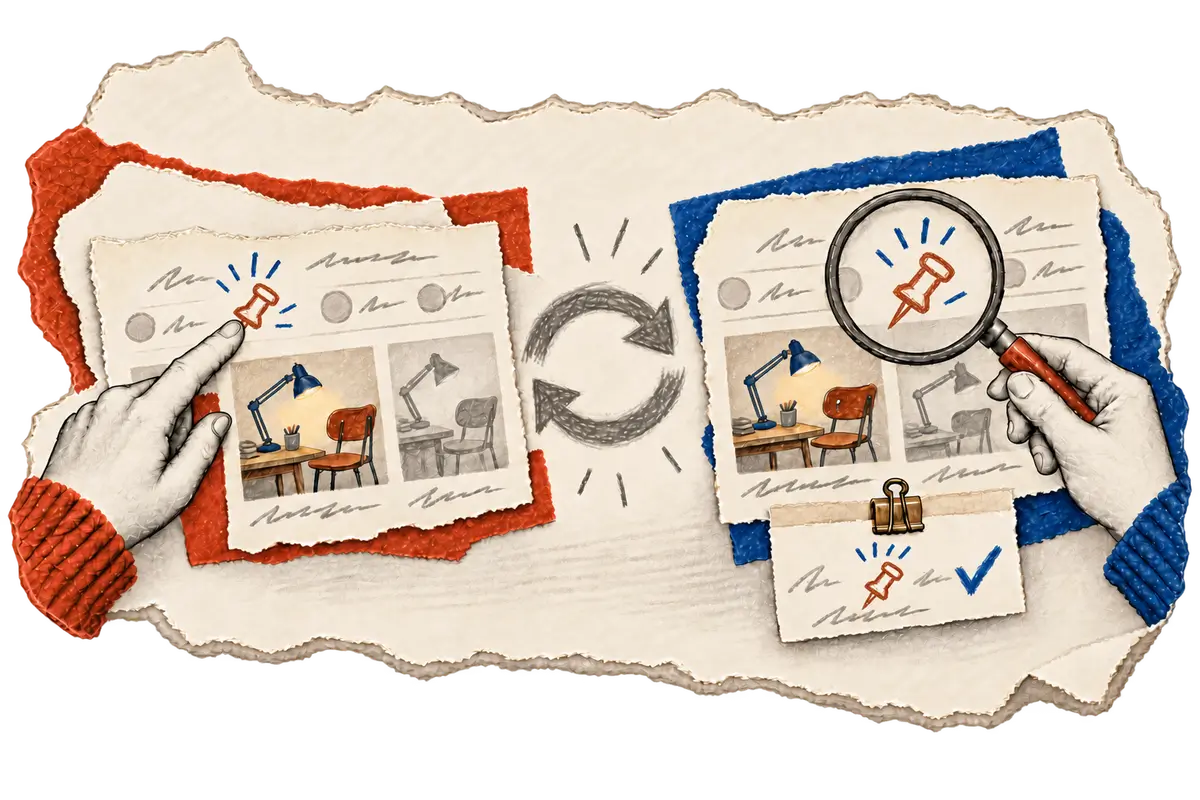
Seeing the filter on the page answers one question, which is whether it looks right. If the request also promises that a chosen filter stays selected, the agent has to change the selection and load the page again, since only that tells it whether the choice survives. Whichever behavior the request promises, the task should carry the evidence that the agent checked it.
When the build passes and QA takes over
Once the filter behaves, the next step is a build, which turns the code into a version of the application that QA can test. A green build is only useful when we know which revision of the code it came from, and if the button comes from a shared package, the handoff also needs that package's version. When a build fails, the same information lets the agent trace the failure back to the code revision and the build output. Even a finished build doesn't tell us whether the running environment has picked it up yet, so those two facts need to stay separate in the handoff.
The handoff is where Jira CLI, another tool I made, comes in. It lets the agent write its observations into the Jira ticket, where the tester can see which build to open, whether the selected filter value stayed after a reload if the request required that, and whether anyone has confirmed that the environment is running that build. With those distinctions written down, the tester starts from a more dependable place.
Between this request and the next
I lead development of this harness, which means I set up the workflow, the integration boundaries and the instructions that connect an agent to a task's code, design and tools. Coding agents assist with the implementation, while I review their code changes and test whether the working environment keeps the task's context in place, the kind of context a project switch can break. When preparing workspaces and administering the harness began taking attention away from product work, I also pushed for a simpler version.
The current version lets an agent carry on with another available tool when an optional helper fails, while keeping the task's scope and required checks. It is in local use across the two products and is still stabilizing.
If you are setting up something similar, I would follow one ordinary change, like this filter request, from the original request to the person who tests it. Every place where someone repeats an explanation, or where nobody is sure which source to trust, is worth a closer look. Start there, and let the setup grow around work that needs doing.
Workspaces and delivery details
The harness supports Git worktrees, which are separate working copies attached to the same repository history, and agents keep working in their usual coding applications. Authorized Jira CLI and Jenkins operations support the handoff and the builds. Delivery checks need to identify the application revision and any changed shared-package versions, and confirming a running release requires evidence from that environment. The workplace implementation remains private, while Figma Lens and Jira CLI expose some related public interfaces.